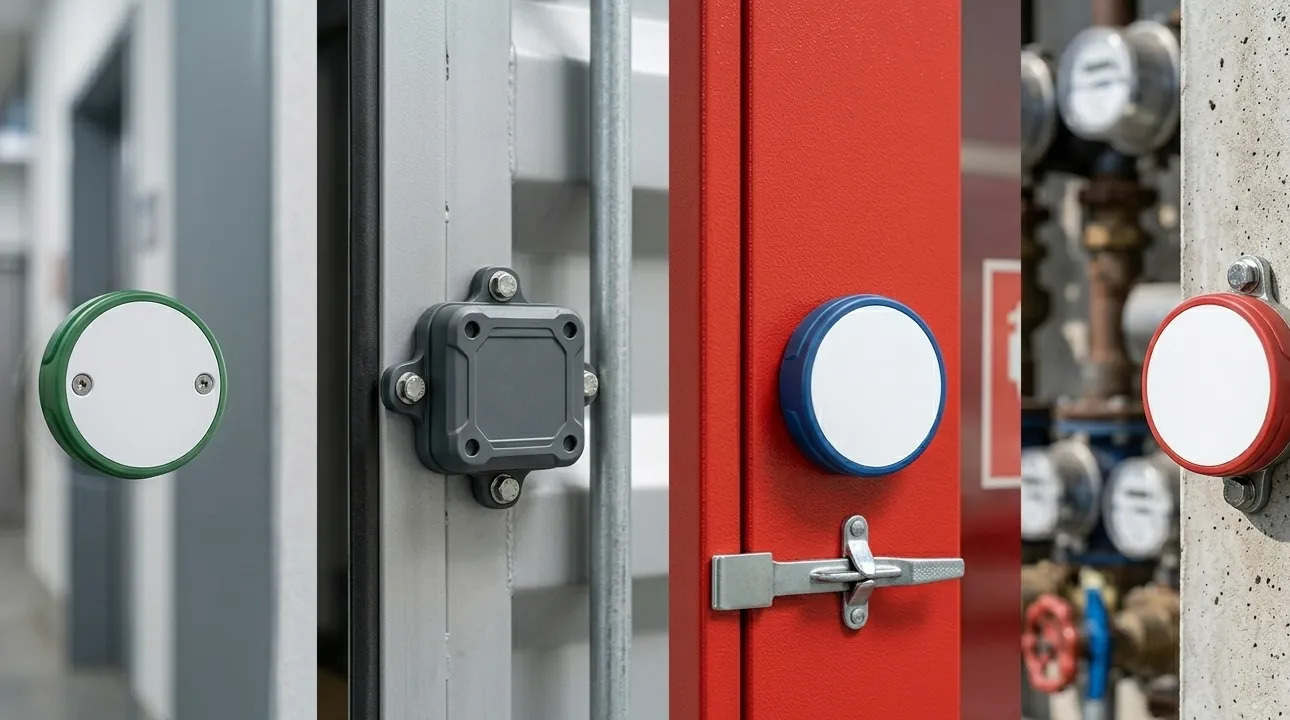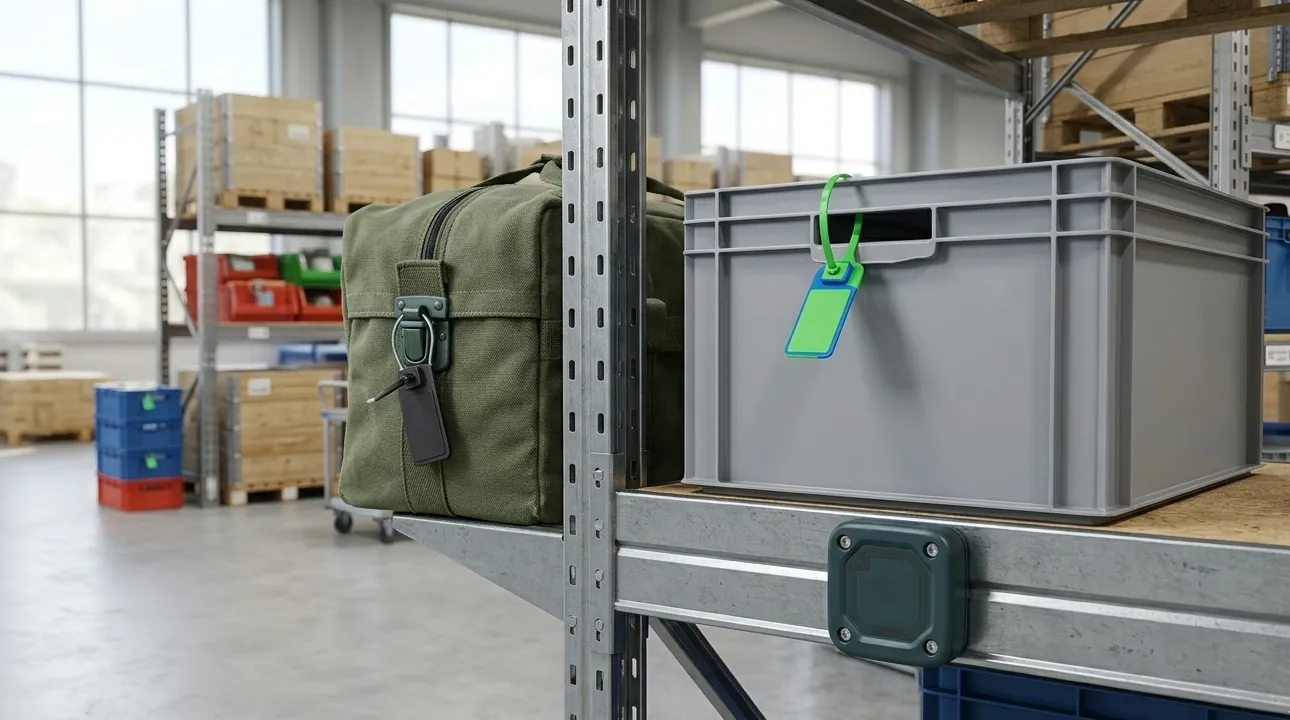

When an RFID system reads 70% of its tags instead of 99%, the instinct is to blame the reader or buy a “better” tag. In most field cases neither is the cause. Read rate drops because something in the environment is changing how the tag’s antenna behaves or how the reader’s signal arrives: the surface the tag is stuck to, what’s next to it, how it’s oriented, or what else is transmitting nearby. This guide walks through those causes by environment, in the order they most often turn out to be the problem, and routes you to a deeper page for each.
First, Define “Low” Before You Troubleshoot
Not every miss is a fault. A single reader pass is a sampling exercise, and an occasional missed tag in a dense, moving read zone is normal physics. What you’re looking for is a pattern: the same tags, the same location, the same asset type, or the same time of day failing repeatedly. A pattern means the tag, its mounting, or the environment is wrong. Random scatter usually means the read process (dwell time, passes, antenna placement) needs adjusting rather than the tag. If you mostly care about counting accuracy during inventory, see what read accuracy to expect from RFID inventory counts first, then return here if misses are consistent rather than occasional.
Before changing hardware, record three things for the failing tags: what they’re attached to, what’s physically around them at the moment of the read, and where they are relative to the antenna. Almost every cause below shows up in those three notes.
Cause 1: Metal Surfaces
Metal is the most common cause of a sudden, large drop in read rate, and the signature is distinctive: the same tag model reads fine on cartons and fails on tools, racks, carts, or machinery. A standard label placed directly on a conductive surface has its antenna detuned and its signal reflected, so range can collapse to nearly nothing.
Two situations are easy to confuse. A tag directly on metal needs a construction designed for it. A tag that merely sits near metal (a metal shelf behind a carton, for example) usually still reads but with a shifted range and possible reflections. The first is a tag-selection problem; the second is usually an antenna-placement problem.
Fix: use tags built for metal on metal assets, and test on the real asset rather than a bench sample. Our guide to why metal asset tracking needs on-metal RFID tags covers the construction differences and how to choose one, and the anti-metal RFID tags category lists the formats. For tools and equipment specifically, see RFID for tools and equipment.
Cause 2: Liquids and Water-Rich Items
Water absorbs UHF radio energy, and so does anything that’s mostly water: liquid containers, beverages, produce, human tissue, and some soaked or damp textiles. Tags attached to or sitting behind these items read at shorter distance than the same tag on dry goods, and sometimes only from certain angles.
The pattern to look for is a read rate that varies with what’s inside the item rather than with the tag itself, or one that changes as items get wet.
Fixes, in rough order of effort:
- Add spacing between the tag and the liquid-bearing surface (a spacer or standoff construction helps).
- Move the tag to a part of the item with less liquid behind it.
- Move to a tag designed for liquid-adjacent mounting, and test with the real filled item.
- Reconsider frequency: HF behaves differently around liquids than UHF, at the cost of read distance (see HF vs UHF RFID).
Cause 3: Dense Stacks and Tag-to-Tag Interference
Tags packed tightly together can detune one another, and items deep in a stack are shadowed by everything above them. This shows up as good reads on loose items and poor reads on full pallets, bins, or cartons, and as bottom-of-stack items going missing consistently.
Fixes: space tags out where the item layout allows, avoid placing tags directly overlapping, add a second pass or longer dwell time, and aim antennas at the stack from more than one angle. If the only failures are in packed stock that reads fine once unpacked, the cause is density, not a bad tag.
Cause 4: Tag Orientation and Body Blocking
A UHF tag antenna is directional. A linearly polarized reader antenna reads a tag well when the two are aligned and poorly when the tag is turned perpendicular to the reader’s polarization. Circularly polarized antennas are more tolerant of rotation, which is why they’re common for mixed-orientation environments, but they trade some range for that tolerance.
Bodies matter too. A person walking between the antenna and a tag, or a tag worn against the body (a badge, a garment label, a wristband), is partly blocked by the water in the human body. Reads that vary with who is standing where, or that fail only when an item is worn or carried, are body-blocking.
Fixes: choose antenna polarization to match how items actually arrive, mount the tag on the side that faces outward rather than toward the body, and test with real people and real handling instead of a tag held in the air.
Cause 5: Interference From Other Radio Systems
Interference is a real cause, but a less common one than the first four, and it’s the one most often blamed first. UHF RFID operates in a shared, unlicensed band alongside many other wireless systems, and strong nearby transmitters can mask the very weak backscatter a tag returns. It usually shows up as intermittent, time-of-day or location-linked drops that don’t track any change in the items.
Check first whether the pattern follows a nearby system turning on and off before you replace tags. Our guide on RAIN RFID 900 MHz interference explains the sources and how to choose tags that cope with a noisy environment, and the answer to whether UHF RFID is affected by 5G is, in most deployments, that mounting surface causes far more failures than any nearby radio does.
Cause 6: Cross-Reads and False Reads (Reading What You Didn’t Mean To)
The opposite problem also gets reported as “bad reads”: tags being read that shouldn’t be, such as items on the next conveyor lane or inside the next room appearing in your count. This isn’t a low read rate but a read zone that’s too large.
Fixes: reduce reader output power, aim antennas so the main beam covers only the intended zone, add shielding or physical separation between adjacent read points, and filter reads in software by signal strength or read count. Don’t solve it by switching to a tag with less range everywhere; that trades a cross-read problem for a missed-read one.
A related and often misdiagnosed case is the retail doorway: RFID tags generally don’t set off store anti-theft gates, because those use a different technology. If that’s your concern, see whether RFID tags on clothing will trigger EAS gates.
Cause 7: The Tag or Its Data, Not the Radio
If tags read but return the wrong or unreadable data, the cause is encoding, not RF. A tag with a malformed EPC, a duplicated serial number, or an encoding scheme your software doesn’t parse looks like a bad read even though the radio link is perfect. See RAIN RFID tag encoding best practices for how to define and verify encoding before production, and URL encoding in RAIN RFID tags if the question is whether to put a URL on the tag at all.
HF and NFC tags have their own failure patterns, usually around close-range alignment and mounting; NFC labels for trailer axles is a worked example of selecting for a harsh metal environment.
A Troubleshooting Order That Saves Time
Work through these in order and stop when the pattern explains the problem:
- Is it a pattern? If failures are random, adjust passes and dwell time before changing hardware.
- Is the failing tag on or near metal? If yes, test an on-metal construction on the real asset.
- Is there liquid or a human body behind the tag? Test with spacing or a different mounting position.
- Is the stack dense? Test with tags spaced out and a second pass.
- Is orientation the variable? Rotate the tag, or test a circularly polarized antenna.
- Does the failure follow time of day or a nearby system? Investigate interference.
- Are tags reading but with wrong data? Check encoding.
Change one variable at a time and test with real items; a result you can’t repeat isn’t a diagnosis.
When to Change the Tag Instead of the Setup
If a tag model fails consistently on a specific surface or environment, no amount of reader tuning will fix it. That’s the point to switch tag construction, not antenna settings. Share the surface material, the environment, the required read distance, and how the asset is handled when you ask suppliers for samples, and ask for a test on your real item. Browse the full RFID tag range or contact RFIDEcho with those details.
FAQ
Why is my RFID read rate low?
The usual causes are metal surfaces, liquids or human bodies near the tag, tightly packed stacks, tag orientation, and nearby interference. Look for a pattern in which tags fail and where. A pattern points to mounting or environment rather than a faulty reader.
Why won’t my RFID tag read on metal?
A standard label on a conductive surface has its antenna detuned and its signal reflected, so range collapses. Tags built for metal use spacing or shielded construction to work there. Test an on-metal tag on the actual asset.
Can interference cause RFID tags not to read?
Yes, but it is less common than metal, liquid, or density problems. Interference tends to be intermittent and linked to a time of day or a nearby wireless system. Rule out mounting and environment before investigating radio sources.
How do I stop my reader from reading tags I don’t want?
Reduce reader power, aim antennas to cover only the intended zone, add shielding or separation between read points, and filter by signal strength in software. Avoid shrinking read range everywhere, which risks missing legitimate tags.