01
Metal tool surfaces
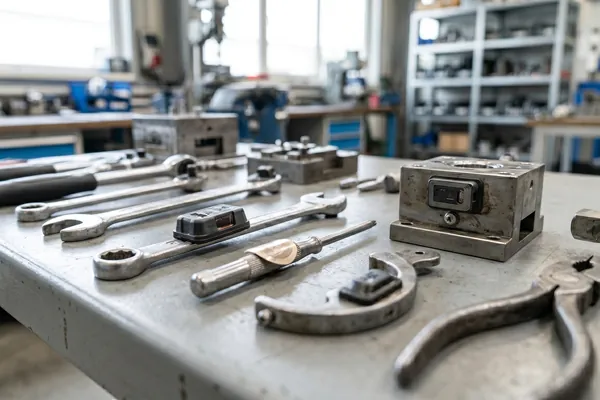
Most tools, molds, fixtures, and instruments require RFID tags designed to perform on metal.

Use anti-metal RFID tags to identify metal tools, fixtures, molds, instruments, and maintenance equipment in check-in/check-out, calibration, and loss-prevention workflows.
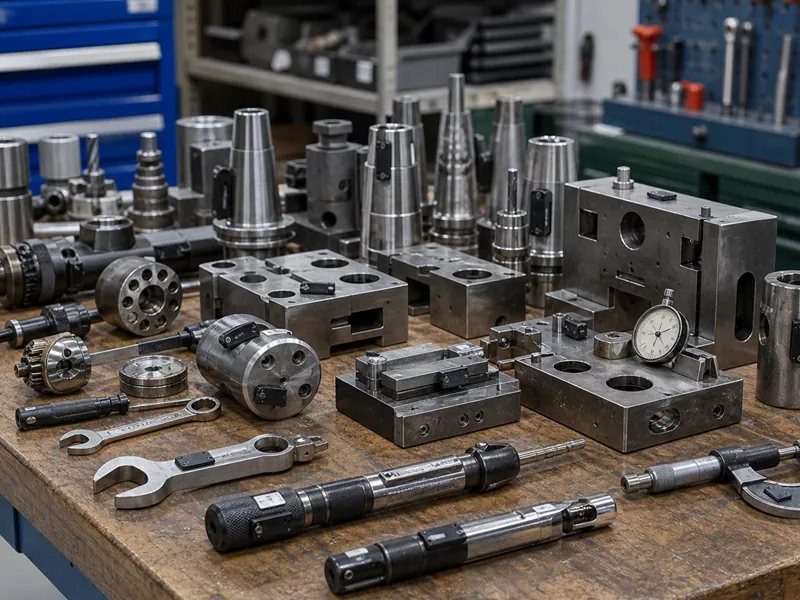
RFID tool management is a specialized asset tracking application because many tools are metal, small, curved, exposed to impact, or used in harsh industrial environments. Standard RFID labels can fail when attached directly to metal tools, so anti-metal RFID tags are often required. RFIDEcho supplies anti-metal RFID tags for tool tracking, mold management, maintenance equipment, calibration control, and industrial inventory programs. Buyers can choose tag size, thickness, material, mounting hole, adhesive, chip type, read range, and printing based on the tool shape and workflow. When used with RFID readers and tool management software, these tags help identify tools during check-in/check-out, inventory audits, calibration checks, and maintenance records. RFIDEcho provides the RFID tags and customization support for these workflows.
Most tools, molds, fixtures, and instruments require RFID tags designed to perform on metal.
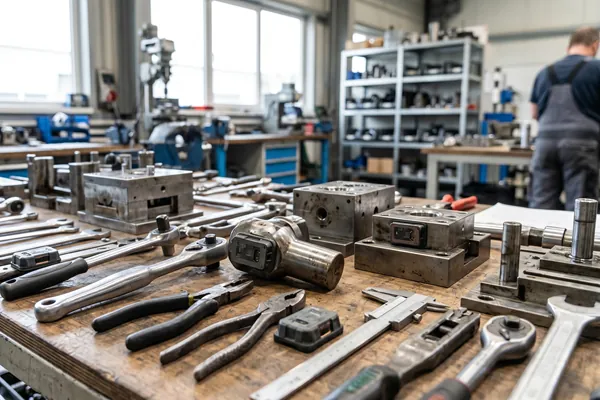
Tools may need compact, thin, screw-mount, adhesive, ceramic, PCB, or embedded tag formats.
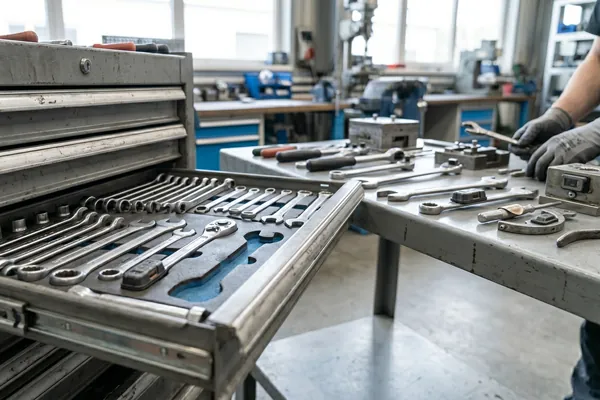
Without serialized RFID identity, missing tools are difficult to trace across users, shifts, or job sites.
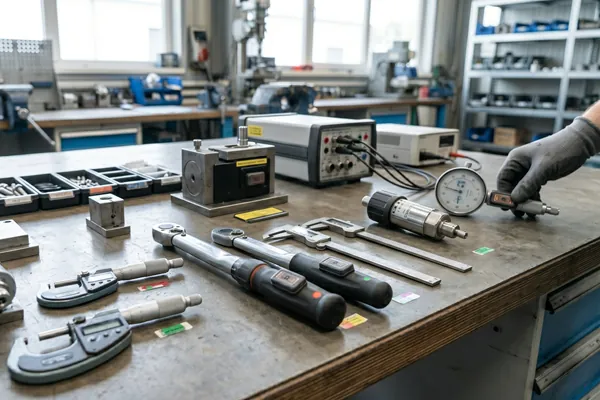
Calibration and maintenance workflows need a reliable tag ID that stays with the tool over time.
The right tag depends on surface material, read distance, durability, mounting method, and required printed or encoded identification.
RFIDEcho provides the RFID tags. The tags can work with compatible RFID readers and management software as part of your existing workflow.
Choose a tag format based on tool material, size, curvature, temperature, and mounting space.
Apply the tag and encode tool ID, EPC, serial number, calibration code, or department information.
Compatible RFID readers can identify the tool during issue, return, inspection, or inventory checks.
When used with management software, tag identity helps support check-out, maintenance, calibration, and loss records.
Tag wrenches, cutters, pliers, torque tools, and maintenance kits where metal performance matters.
Tagging pointUse durable anti-metal tags for molds, fixtures, jigs, dies, and production tooling.
Tagging pointConnect tools and measuring instruments with calibration schedules and inspection records.
Tagging pointSupport tool issue and return workflows with serialized RFID identities.
Tagging pointUse compact durable tags for controlled tools in manufacturing, maintenance, and repair environments.
Tagging pointIdentify shared equipment, service kits, replacement parts, and maintenance assets.
Tagging pointTell us your tagged object, material surface, reading workflow, environment, quantity, and printing or encoding requirements. We will help confirm a practical RFID tag configuration for your application.
RFID Tags for Tools & Equipment: Buying Guide & Format Comparison
A buying guide to RFID tags for tools and equipment: compare anti-metal formats, follow a workflow decision tree, and use an RFQ checklist before ordering samples.
Read guide →Why Metal Asset Tracking Needs On-Metal RFID Tags
Learn why metal asset tracking requires on-metal RFID tags, how metal affects read range, and how to choose the right tag.
Read guide →How Much Do RFID Tags Cost? What Drives the Price
What sets RFID tag cost: construction tier, chip, material, encoding, and volume — plus reader and software costs, break-even volume, and how to get an accurate quote.
Read guide →RFID tool management is the use of anti-metal RFID tags attached to wrenches, molds, fixtures, and other metal tools so each item carries a unique electronic ID that can be scanned during check-in/check-out, calibration checks, and inventory audits.
A standard RFID label loses most of its read range on metal, because the metal detunes the antenna and absorbs the signal. Anti-metal RFID tags add an absorber or spacer layer that isolates the antenna from the metal, restoring usable read range on tools, molds, and fixtures.
Slim PCB-based anti-metal tags as small as a few centimetres square are available for hand tools, torque wrenches, and instrument cases where mounting space is limited, with ceramic and epoxy variants for larger molds and fixtures. Share the tool dimensions and we will recommend a tag size.
Yes. Anti-metal tags in PCB, ceramic, or epoxy enclosures are built to resist impact, oil, and coolant exposure typical of workshop environments, and ceramic variants withstand continuous operation up to 220°C for tools used near ovens, furnaces, or welding stations.
Yes. Tags can be factory-encoded with a tool ID, EPC, or calibration code that links to your maintenance software, so scanning the tag during inspection can pull up the tool's calibration due date and service history.
Each tool's tag is scanned when it is issued and returned, creating a timestamped record of who has the tool and when it is due back, so missing tools can be traced to the last user, shift, or job site instead of relying on a manual sign-out sheet.
Yes. RFID for tools works across most tool types — anti-metal tags handle steel and aluminum tools, while standard labels or NFC tags suffice for plastic-handled items. The main planning step is separating tools by surface material before ordering, since one generic tag rarely performs well on both.
Tell us your requirements and we'll reply within 1 business day.